FONTB

Instagram Fonts Generator (๐“ฌ๐“ธ๐“น๐”‚ ๐•’๐•Ÿ๐•• ๐“…๐’ถ๐“ˆ๐“‰๐‘’) โ€• free Ig fonts

Instagram font generator โ€” copy & paste styles for bio, captions & stories. Cursive, bold & fancy IG fonts free. Works on iPhone & Android, no sign-up.

4.9/5(1,250 reviews)

Instagram Font Styles

Instagram Font Style Illustration

Instagram Font Styles for
Every Platform.

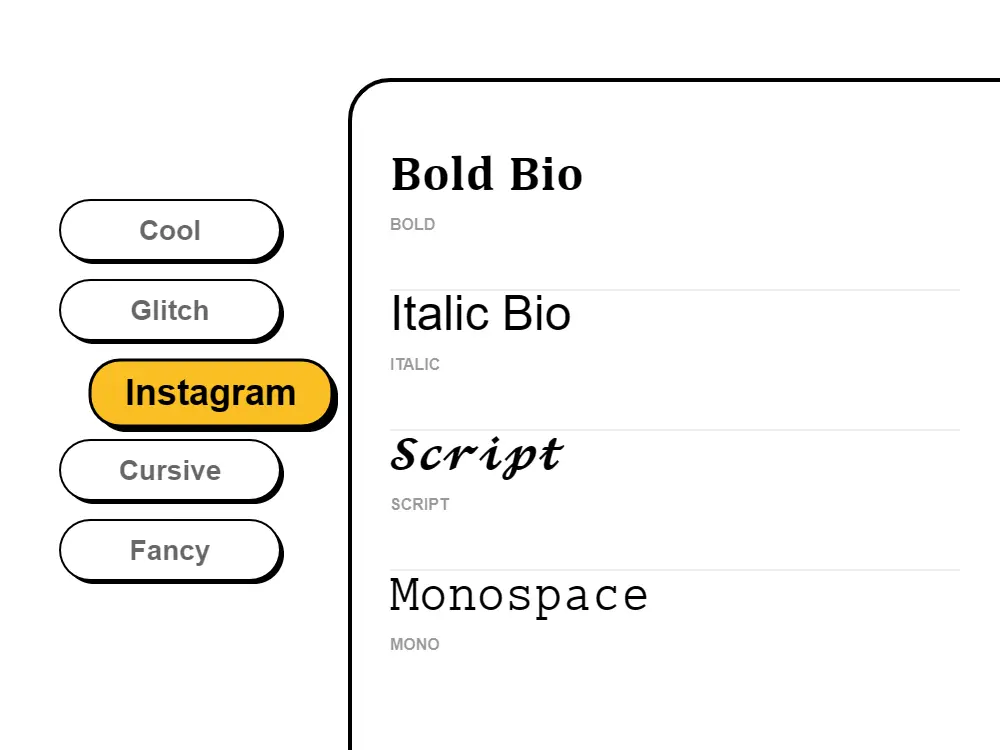
Instagram fonts for bio, captions & stories โ€” copy and paste free! Our Instagram font generator creates aesthetic text styles, cursive fonts, fancy letters, and stylish IG fonts. Get fonts for Instagram bio that work on iPhone & Android. Copy paste Instagram fonts for your username, captions, and stories. The best free Instagram font changer with trending aesthetic fonts, cute bio text, and cool IG symbols. Transform your Instagram profile with our IG font generator today!

Generate unlimited categories.instagram text styles and copy-paste them instantly for your bio, captions, and comments to make your profile stand out.

How to use the Instagram font generator?
Step 1
Step 1: Type your bio or caption text

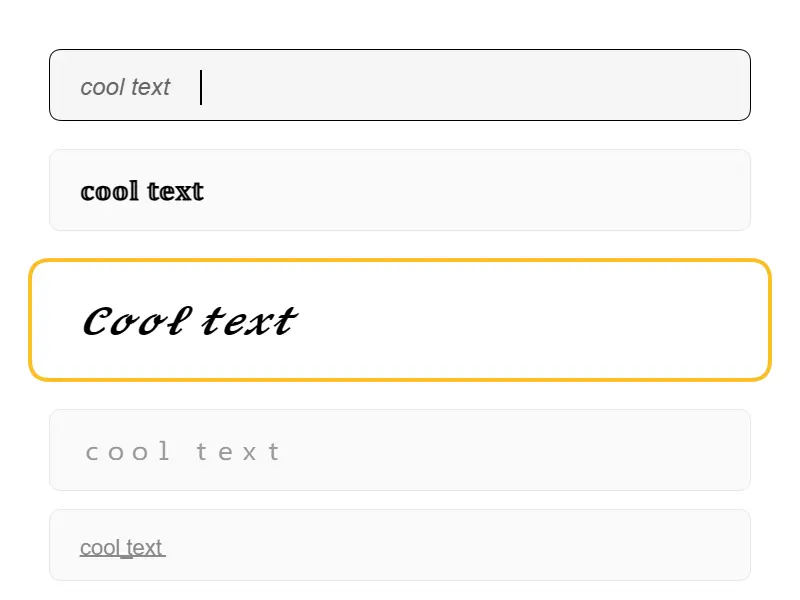
Type your text

Enter your name, bio phrase, caption, or username in the generator above. It converts your text live as you type across all available Instagram font styles.

Step 2
Step 2: Pick an Instagram font style and copy

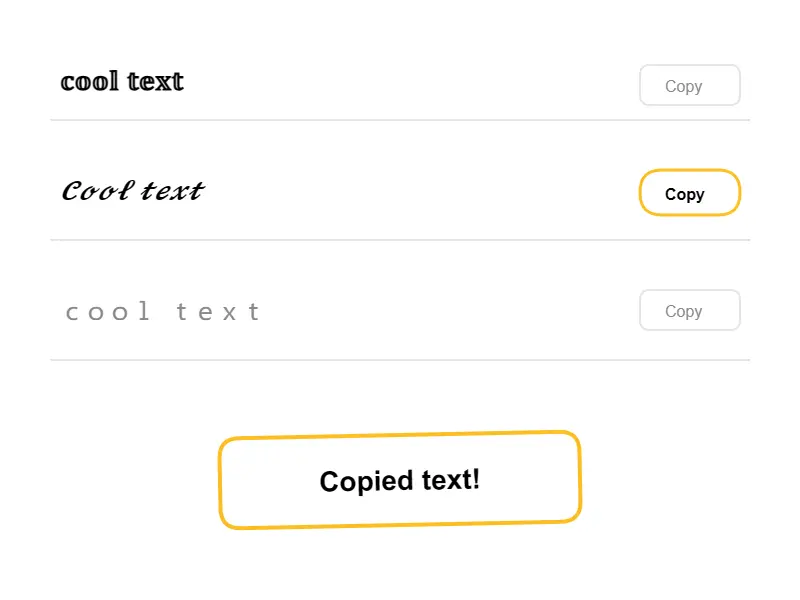
Pick a style and copy

Browse the font styles below โ€” cursive, bold, aesthetic, fancy, bubble โ€” until one fits your brand. Hit the Copy button and the styled text lands on your clipboard instantly.

Step 3
Step 3: Paste into Instagram bio, caption, or story

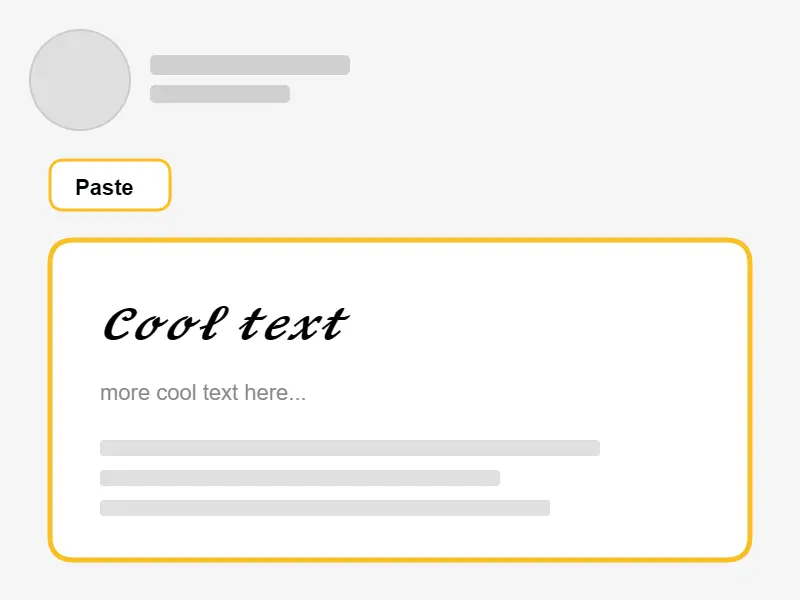
Paste into Instagram

Open Instagram, go to Edit Profile and tap the Bio field (or open the caption box on a new post), then long-press and tap Paste. Your stylish font appears exactly as shown โ€” works on iPhone and Android.

Why Do Instagram Fonts Copy and Paste Everywhere?

Instagram does not have a built-in font changer โ€” but these fonts work because they use Unicode characters, not font files. The Unicode standard (used on every phone and computer in the world) includes thousands of characters that look like different font styles: ๐“ฌ๐“พ๐“ป๐“ผ๐“ฒ๐“ฟ๐“ฎ letters, ๐—ฏ๐—ผ๐—น๐—ฑ letters, ๐˜ข๐˜ฆ๐˜ด๐˜ต๐˜ฉ๐˜ฆ๐˜ต๐˜ช๐˜ค letters, and hundreds more. When you paste them into Instagram, the app sees them as ordinary text โ€” just from a different part of the Unicode table โ€” so they display perfectly in every bio, caption, story, and Reel description, on every iPhone and Android running a current version of the Instagram app. One important note for discoverability: Instagram's internal search only reads standard characters, not Unicode styled text. Keep any searchable keywords in your name field as plain text, and use stylish fonts for the decorative parts of your bio.

More Free Font Tools

Frequently Asked Questions

What is an Instagram font generator?

An Instagram font generator is a free online tool that converts regular text into stylish Unicode characters that work on Instagram. Unlike real fonts, these are special symbols that Instagram displays as fancy text in your bio, captions, stories, and comments. Our IG font generator offers styles including cursive, bold, aesthetic, and fancy fonts.

How to change font on Instagram bio?

To change your Instagram bio font: 1) Type your text into our Instagram Font Generator above. 2) Browse font styles (bold, cursive, aesthetic, fancy). 3) Click to copy your favorite style. 4) Open Instagram โ†’ Edit Profile โ†’ paste into Bio field. Save, and your stylish bio is live! Works on iPhone and Android.

Are Instagram fonts free to use?

Yes, 100% free forever! Our Instagram font generator requires no sign-up, no downloads, and no payment. Generate unlimited stylish text for your Instagram profile, captions, and stories. No hidden fees or premium features - just free fonts for Instagram.

Do Instagram fonts work on iPhone and Android?

Yes! Our Instagram fonts work perfectly on both iPhone (iOS) and Android devices. Since we use Unicode characters (not actual font files), the stylish text displays correctly on any device, browser, or operating system. Just copy and paste!

Can I use these fonts in Instagram Stories and Reels?

Absolutely! Our IG fonts work everywhere on Instagram - bio, captions, comments, Stories text, and Reels descriptions. For Stories, paste the copied text into the text tool. The fonts help your content look more professional than default Instagram fonts.

What are the best fonts for Instagram bio 2026?

The most popular Instagram bio fonts in 2026 are: Cursive/Script fonts (elegant, aesthetic), Bold fonts (attention-grabbing), Fancy decorated fonts (unique), Small caps (professional), and Bubble fonts (playful). Our generator offers all these popular IG font styles and hundreds more โ€” copy and paste any style instantly.

Why should I use fonts for Instagram bio?

Custom Instagram fonts make your profile stand out from billions of users with default text. A stylish bio increases profile visits, follower conversions, and brand recognition. Many influencers and businesses use unique fonts to create memorable first impressions and appear more professional.

Do Instagram fonts help get more followers?

Yes! Using unique fonts can boost your profile appeal significantly. An aesthetic, well-formatted bio looks more professional and encourages visitors to follow. Studies show profiles with stylized text get 25-40% more followers than plain text profiles.

What is the difference between Instagram fonts and regular fonts?

Regular fonts (like Arial, Times) are styling applied by apps and cannot be copied. Instagram fonts are actually Unicode characters โ€” special symbols that look like different font styles. This is why you can copy and paste IG fonts anywhere, and they keep their appearance across all platforms.

Can I use fancy fonts for Instagram captions?

Yes! Our fancy fonts work great in Instagram captions. Use them to emphasize key words, create eye-catching headlines, or add aesthetic flair to your posts. Fancy text in captions can increase engagement and make your posts more shareable.

Do Unicode fonts affect my Instagram reach or algorithm?

Unicode fonts do not directly affect Instagram's feed algorithm for reach on posts and Reels. However, for Instagram bio SEO specifically โ€” how you appear in Instagram's internal search โ€” any text styled with Unicode fonts is not indexed by Instagram's search engine. Keep your main searchable keywords in plain standard text in your name field and bio for full discoverability, and use Unicode stylized fonts for decorative or personality-driven portions of your bio.

Why does my Instagram font show as boxes or question marks?

Boxes or question marks appear when an older device or operating system doesn't include that Unicode character in its system font. To fix it: switch to a different font style in the generator (different styles use different Unicode ranges), or try a simpler style like Bold or Italic which have near-universal device coverage. Modern iPhones and Android devices running current software display all font styles correctly.

Can I use stylish fonts in my Instagram username?

Instagram usernames only support standard alphanumeric characters, periods, and underscores โ€” so Unicode styled fonts cannot be used in your Instagram handle. However, you can use stylish Unicode fonts freely in your Display Name (the bold name that appears above your bio), your Bio text, captions, comments, and Stories. The Display Name field is the most impactful place to use a styled font as it's the first thing visitors see on your profile.

What is the best Instagram font style for boys?

The most popular Instagram font styles for boys in 2026 are bold and strong-looking fonts โ€” ๐—ฆ๐—ฎ๐—ป๐˜€ ๐—•๐—ผ๐—น๐—ฑ, ๐’๐ž๐ซ๐ข๐Ÿ ๐๐จ๐ฅ๐, and ๐™—๐™ค๐™ก๐™™ ๐™ž๐™ฉ๐™–๐™ก๐™ž๐™˜ โ€” as well as dark aesthetic styles, small caps for a clean professional look, and stylish name fonts for gaming and sports bios. Our Instagram font style generator covers all of these. Just type your name or bio phrase, scroll to the style that fits your vibe, and copy it in one tap.

How do I get a stylish font for my Instagram bio?

Getting a stylish Instagram bio font takes seconds: type your bio text into the generator above, browse the styles, click Copy next to the one you want, then open Instagram โ†’ Edit Profile โ†’ tap the Bio field โ†’ Paste. Your bio instantly has a stylish font. Popular choices for bios are cursive for an elegant look, bold for authority, and aesthetic lowercase for a minimal vibe. No app downloads or sign-ups needed.

Can I use cursive writing in my Instagram bio?

Yes โ€” cursive writing in your Instagram bio is one of the most popular uses of our font generator. Type your bio text above, find a cursive or script style (๐“๐’พ๐“€๐‘’ ๐“‰๐’ฝ๐’พ๐“ˆ or ๐’๐’Š๐’Œ๐’† ๐’•๐’‰๐’Š๐“ˆ), and copy it. The cursive text pastes directly into the Instagram bio field and displays correctly on every iPhone and Android. For best results, use cursive for your tagline or personality statement and keep searchable keywords in plain text.

How do I copy and paste Instagram fonts?

Copy and paste Instagram fonts in four steps: 1) Type your text in the generator above. 2) Find a style you like. 3) Click the Copy button โ€” the styled text is on your clipboard. 4) Go to Instagram, tap any text field (bio, caption, comment, story), and paste with a long-press โ†’ Paste on mobile or Ctrl+V / Cmd+V on desktop. The font displays exactly as shown in the generator.