What Is Small Text and Why Do People Use It?
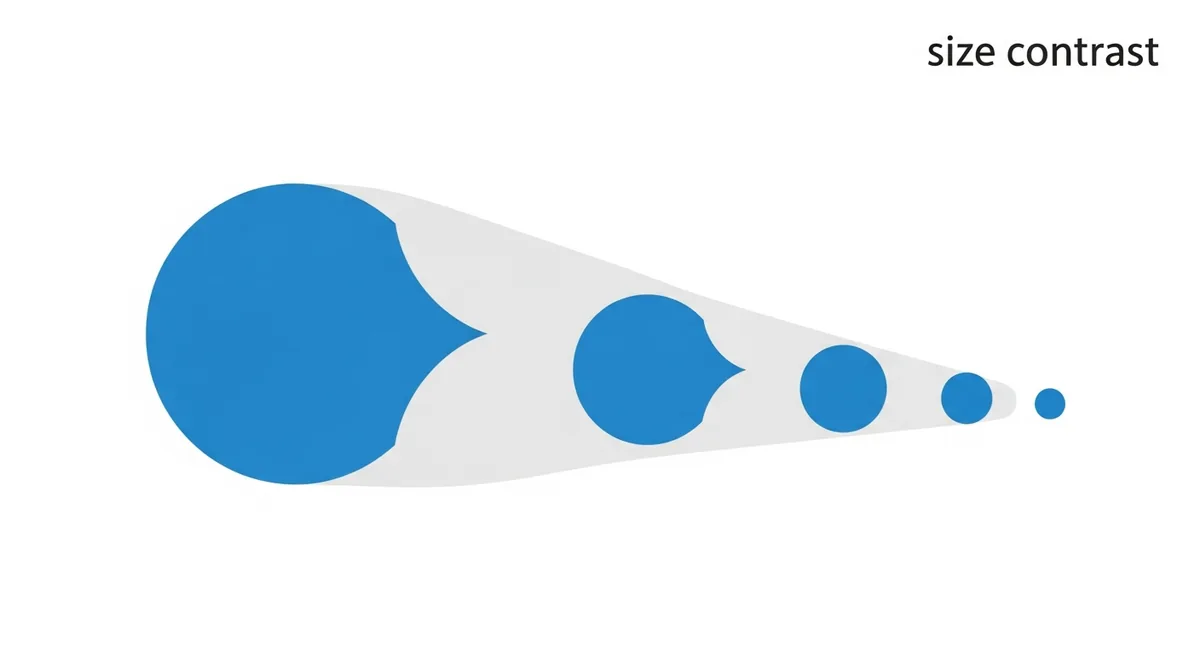
Small text refers to Unicode characters that appear significantly smaller than regular text — they look like superscript or subscript letters, tiny capitals, or miniature versions of the standard alphabet. When you paste them into an Instagram bio or Discord profile, they display at a noticeably smaller size than the surrounding text, even though the font size setting hasn't changed.
This creates a visual contrast effect that many people use deliberately: normal text next to small text, or an entire bio written in the tiny style for an understated, subtle aesthetic.
The Different Small Text Styles
Superscript
ʰᵉˡˡᵒ ʷᵒʳˡᵈ — These characters sit slightly above the baseline and appear smaller. Originally created for mathematical superscripts (like x²), but people use them in bios and captions for a distinctive look.
Small Caps
ʜᴇʟʟᴏ ᴡᴏʀʟᴅ — These look like uppercase letters scaled down to lowercase size. Small caps give a typographically refined, formal feel. Very popular in Instagram bios for a sophisticated aesthetic.
Subscript
ₕₑₗₗₒ — These sit below the baseline. Less commonly used but available as a style option in most generators.
Where Small Text Works Best
Instagram bio
Small caps and superscript are very popular in Instagram bios. The small text draws attention by contrasting with the standard size, and the refined look fits the aesthetic style of lifestyle, photography, and design accounts.
Discord profile and server names
Discord supports Unicode in display names, profile descriptions, and even some server elements. Small text in a Discord display name creates a distinctive look that many gamers and communities use.
Twitter/X display name
Your Twitter/X display name (the name that shows above your username) supports Unicode, so you can use small caps or superscript there for a refined look.
How to Generate Small Text
- Go to fontb.com on your phone or desktop
- Type your text in the input box
- Scroll down to find the Small Caps, Superscript, or Subscript styles
- Tap or click to copy
- Paste into your bio, caption, or wherever you want it
Limitations to Know
Not every letter has a superscript equivalent
The Unicode superscript alphabet is incomplete — some letters like q, x, and y don't have superscript versions. A generator will substitute the closest available character or leave a gap. This is a Unicode limitation, not a tool limitation.
Readability on small screens
Small text can be genuinely hard to read at already-small mobile font sizes. If your small caps bio is displayed in Instagram's default bio text size on a phone, it may be difficult to read for some viewers. Use it for short phrases and names, not full sentences.
Small caps vs superscript
Small caps (ᴛʜɪs ᴏɴᴇ) tend to be more readable than superscript (ᵗʰⁱˢ ᵒⁿᵉ) because small caps don't shift the baseline. If readability matters to you, prefer small caps. If you want maximum visual difference, superscript is more distinctive.
Can You Mix Small Text with Regular Text?
Yes, and this is actually a popular technique. Many Instagram bios use a mix: a bold or script line for the name, followed by small caps lines for the description. The contrast between text sizes creates a hierarchy that guides the reader's eye naturally.