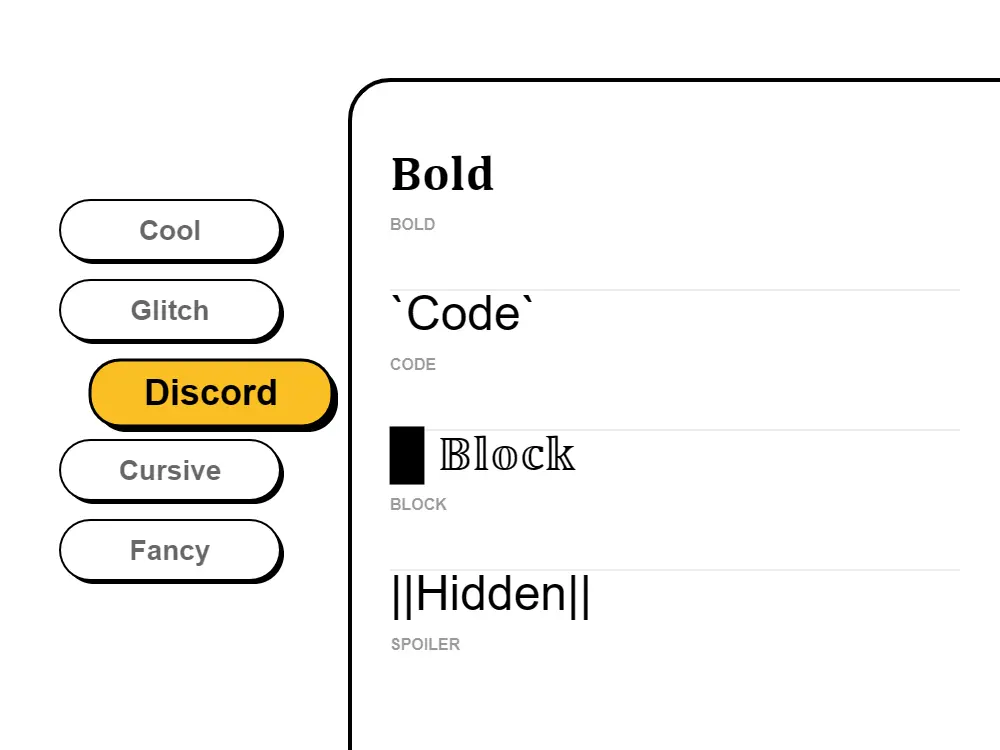
To use Discord fonts in your username or nickname: 1) Type your desired text in our Discord font generator. 2) Browse font styles including gaming, cyberpunk, aesthetic, and cool fonts. 3) Click to copy your favorite styled text. 4) Open Discord → User Settings → Edit → paste into your username or server nickname. The fonts will display instantly across all Discord servers!
Yes! Discord fonts work perfectly in server names, channel names, category names, user nicknames, role names, and messages. They help organize servers visually, create themed channels, and establish server personality. Many popular Discord servers use custom fonts to make their community stand out and attract more members.
Absolutely! Our Discord fonts use Unicode characters that work across all Discord platforms - desktop app (Windows, Mac, Linux), web browser, iOS app, and Android app. The fonts maintain their appearance on all devices, so your styled text looks the same whether you're on phone or computer.
The best Discord fonts for gaming servers include: Cyberpunk fonts (futuristic, tech aesthetic), Neon fonts (bright, eye-catching), Glitch fonts (edgy, gaming vibe), Bold fonts (strong, impactful), and Gaming-style fonts (esports aesthetic). Our generator offers gaming-optimized font styles perfect for clan tags, server names, and gamer usernames.
Yes, 100% free! Our Discord font generator requires no payment, no Discord Nitro subscription, no signup, and no downloads. Generate unlimited Discord fonts, copy them instantly, and use them anywhere in Discord - usernames, server names, channels, messages, and more. No hidden costs!
Discord fonts help server owners and moderators create professional, organized servers. Use distinctive fonts for announcements, rules, important information, and role names. This helps critical messages stand out from regular chat, improves communication effectiveness, and creates a more engaging community experience that attracts and retains members.
Yes! Discord fonts work in bot messages, embed titles, embed descriptions, button labels, and all Discord text fields. Many Discord bots use custom fonts to create more visually appealing messages, announcements, and interactive elements. The Unicode characters are fully supported in Discord's API.
The most popular Discord font styles in 2024 are: Cyberpunk fonts (futuristic gaming aesthetic), Neon fonts (bright, attention-grabbing), Glitch fonts (edgy, tech vibe), Bold fonts (strong emphasis), Aesthetic fonts (trendy, stylish), and Gaming fonts (esports style). Our generator offers all these popular styles plus more unique Discord fonts.
Yes! Discord fonts work in all channel types including text channels, voice channels, stage channels, forum channels, and announcement channels. You can use custom fonts to create themed channel names, organize your server visually, and make your Discord community more engaging and professional-looking.
Essential for RP servers! Discord fonts help players create character voices, distinguish between in-character and out-of-character communication, and enhance immersive storytelling experiences that make role-playing more engaging.
Discord supports native Markdown formatting inside chat messages: **text** makes text bold, *text* or _text_ makes it italic, __text__ underlines it, ~~text~~ strikes through it, and ```text``` creates a code block. However, Markdown only works inside Discord messages — it does not apply to usernames, server names, or channel names. Our Unicode font generator creates stylized characters that work everywhere in Discord, including usernames and server names where Markdown is not supported.
No Discord Nitro subscription is needed! All fonts from our generator use standard Unicode characters — part of the universal character standard supported by every device and platform. Your stylized Discord username or server name displays correctly for all users whether they have Discord Nitro or a free account. Unicode fonts are completely free with no tier restrictions.
Discord uses a custom typeface called "gg sans" as its default interface font (introduced in 2023, replacing the earlier "Whitney" font). This system font applies to the entire Discord interface and cannot be changed through official Discord settings. However, you can make your username, server name, and channel names appear unique by using Unicode styled characters from our generator — they display as distinctive stylized text while working within Discord's standard font rendering, no app modifications needed.